
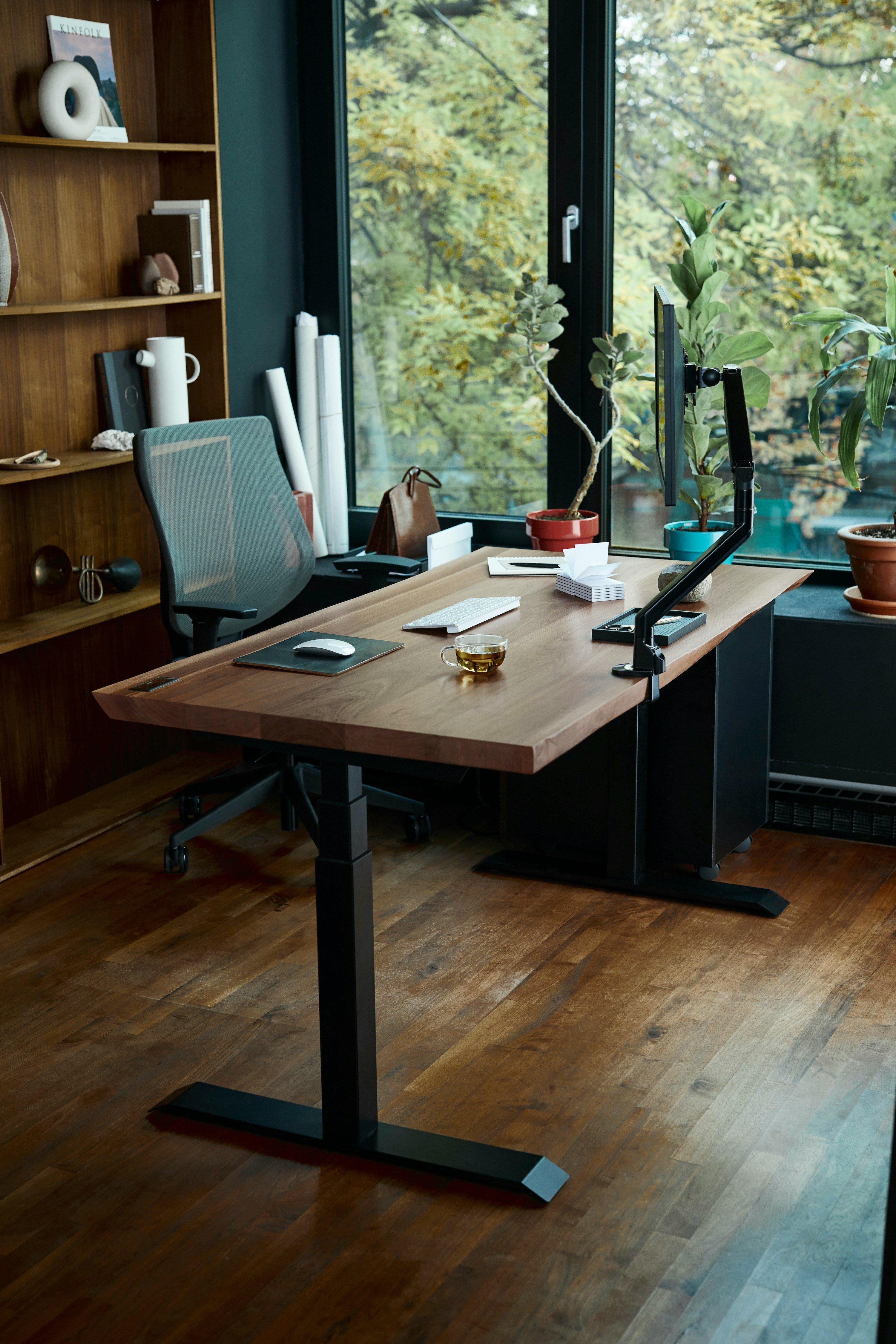
Workplace ergonomics has been written about for decades, and most of it boils down to five settings most people never adjust. Get these right and you'll feel the difference within a week.
1. Chair Height: Feet Flat, Knees at 90°
Sit all the way back. Your feet should be flat on the floor with your thighs roughly parallel to the floor and knees at about a 90-degree angle. If your feet dangle, the chair is too high — or use a footrest. If your knees jut up, it's too low.
2. Monitor: Top at Eye Level, Arm's Length Away
The top of the screen should be at or just below your eye level when you're sitting up straight. Distance: about an arm's length, so you're not leaning forward to read it. If you wear bifocals, drop it a few inches.
3. Keyboard and Mouse: Elbows at 90°, Wrists Flat
Elbows should hang naturally at your sides, bent at roughly 90 degrees. Wrists should be flat — not bent up or down — while typing. If you have to reach forward, the keyboard is too far. If you have to hunch, the desk is too high.
4. Armrests: Light Support, No Shoulder Lift
Armrests should just barely touch your forearms when you're typing — supporting them, not pushing them up. If your shoulders are raised when you sit at your chair, the armrests are too high, and you're going to have neck pain by Wednesday.
5. Lumbar: Curve Into the Chair
Almost every task chair has lumbar support, and almost nobody adjusts it. It should sit in the small of your back and push gently into your lower spine. Set it once, leave it. If it's flat against the back of the chair, you're not using it.
6. The 20-Minute Rule
No setup is perfect for hours straight. Every 20-30 minutes, move. Stand up, walk to the printer, look at something across the room. The best ergonomic setup is the one you don't sit in continuously.
If you're planning a workspace refresh — even a small one — our team is happy to come walk the space and talk through options that fit your budget and timeline.
