
If you have a copier on a per-page contract, the meter is the number that drives your bill. Most users have no idea how to find it, what it actually counts, or why the monthly number sometimes jumps. Here's the plain explanation.
1. The Meter Lives in the Same Spot — Find It Once
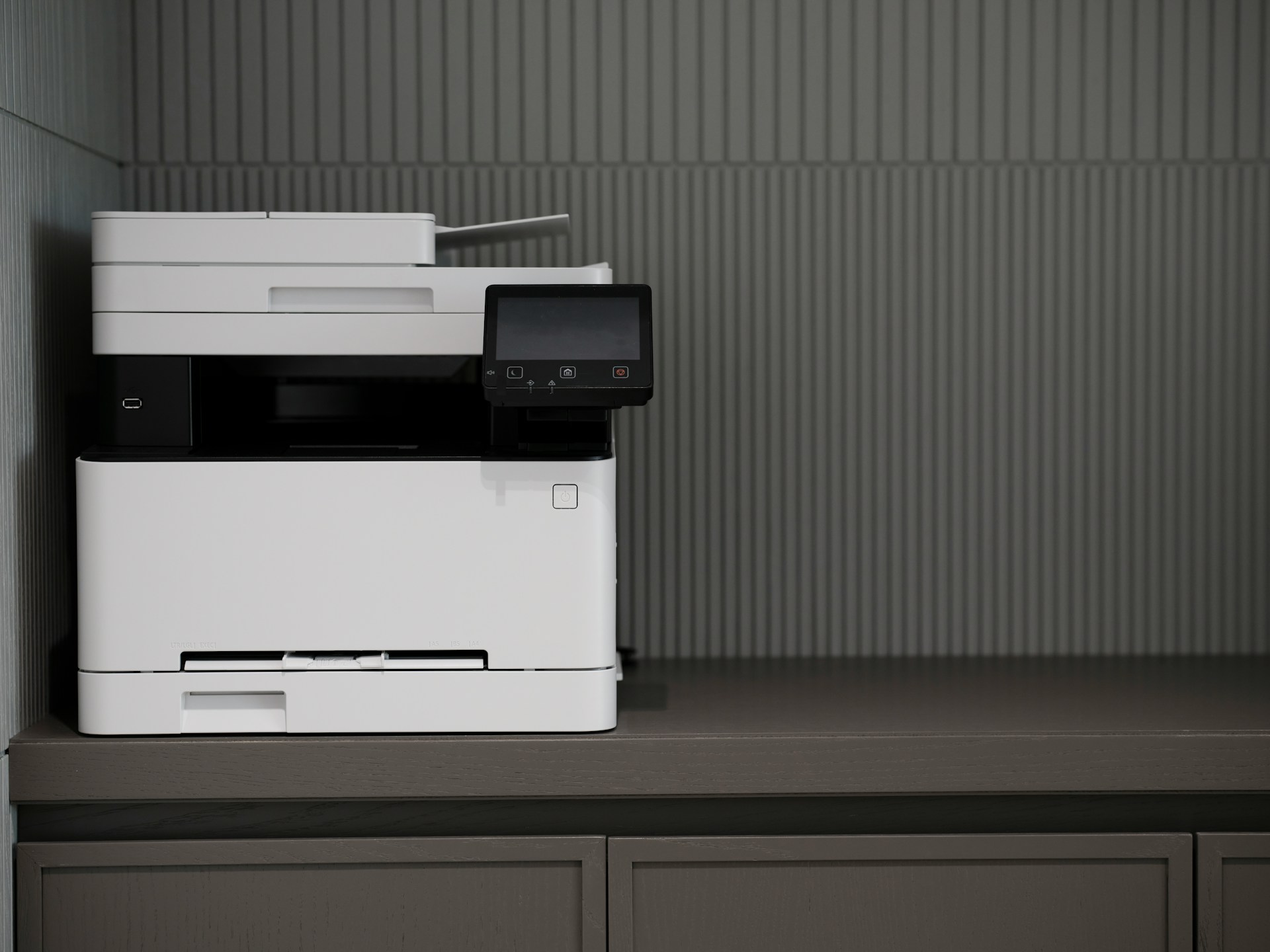
On most commercial copiers, you can access the meter from the touchscreen by tapping a settings or counter icon. Once you know where it is, you can check it any time. Take a screenshot or photo monthly for your records.
2. Black and Color Are Counted Separately
Even on a single machine, the meter tracks black-and-white pages and color pages independently. This is why color spend can balloon without the total page count changing much — color is doing all the dollar work.
3. Duplex Counts as Two Pages
Most contracts count each side of paper as one click. A double-sided document is two clicks, not one. Worth knowing if you're trying to project usage or hunting for unexpected meter jumps.
4. Test Prints and Cleaning Cycles Count Too
Internal calibration and cleaning prints often run automatically and show up in the meter. Usually a small number; occasionally meaningful if a machine is running calibration too often (a sign of a service need).
5. Compare to Your Invoice Each Month
Most copier billing is meter-driven. If your invoice says 22,000 clicks and your meter says 18,000, somebody made an error. The mistake is almost always recoverable if you catch it within a month or two, much harder after a year.
6. Watch for Sudden Jumps
An unexpected meter spike usually means somebody's been printing a big project, or somebody outside the office sent a job. Either is worth knowing. Trending the meter monthly catches both quickly.
If you're rethinking how your print fleet is set up, we're happy to walk through what you have and where it could be working harder. No obligation, just a conversation.
